Chart of Accounts
GAAP-ready chart with classes, locations, and sub-accounts.
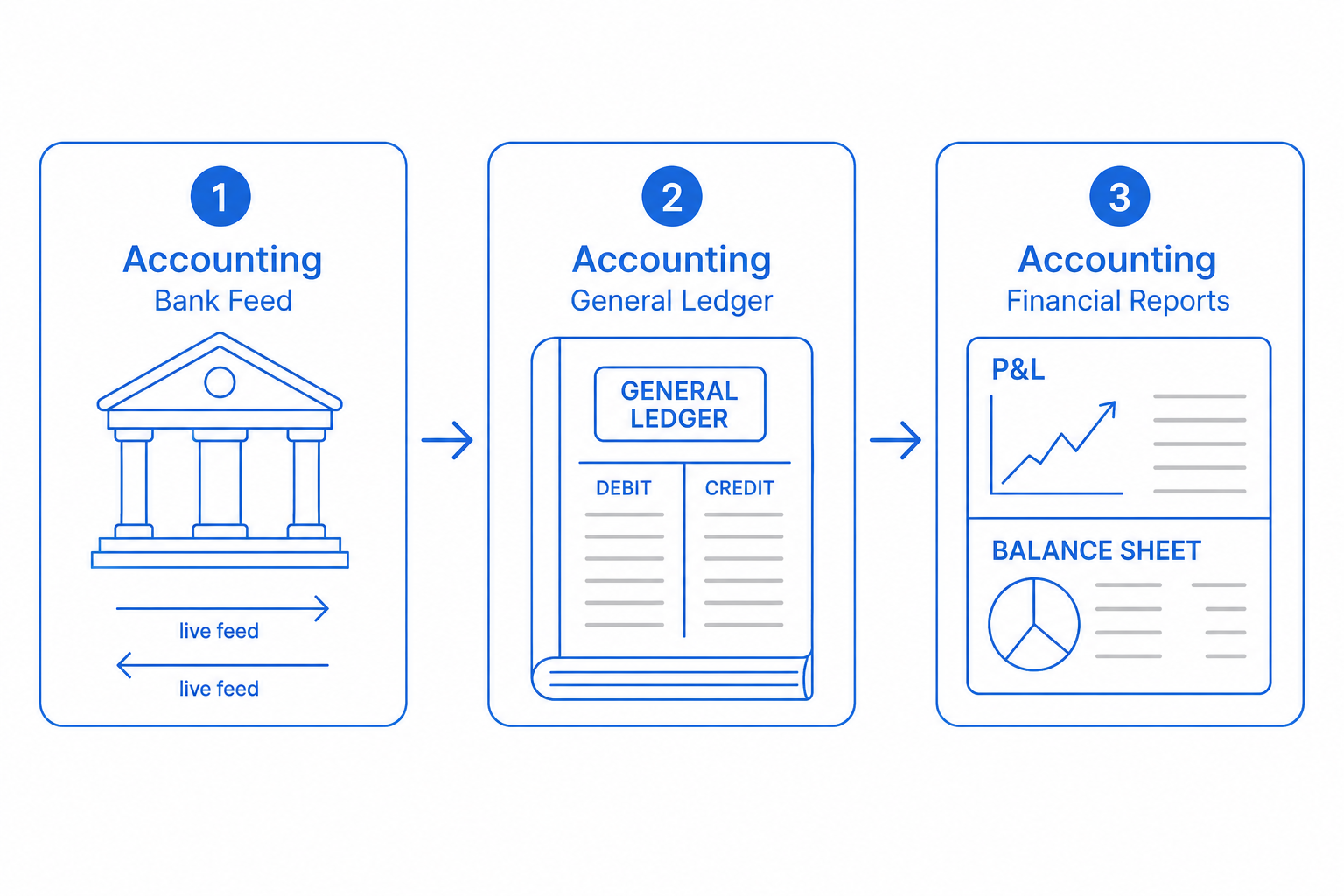
A bad chart of accounts shapes a year of bad reporting. CloudIP ships with a GAAP-ready chart that is editable from the start, with industry templates for restaurant, retail, professional services, e-commerce, and construction.
Add classes for departments, locations for stores, and sub-accounts for sub-categories. Every report can segment on any of those.
Inside Chart of Accounts
Specifics that distinguish CloudIP Chart of Accounts from the alternative.
Industry templates
Sensible starting charts per industry, all editable.
Classes and locations
Segmentation orthogonal to the GL — useful for departmental P&L and per-store reporting.
Sub-accounts
Hierarchical accounts so you can see "Marketing — Paid Search" rolling up to "Marketing".
Bulk import and export
CSV and Excel import with column mapping; export anywhere.
Chart of Accounts on the CloudIP platform
Where this capability lives, who runs it, and what it shares with the rest of the system.
Chart of Accounts runs as part of the CloudIP Accounting module on the same multi-tenant infrastructure as every other capability you use. There is no separate console to log into and no separate billing line: small business chart of accounts is provisioned the moment your tenant is created and stays in lockstep with the rest of the platform as it grows.
Operators interact with small business chart of accounts through the Accounting interface they already know — the same record screens, the same audit trail, the same role and permission model. Behind the scenes, industry templates handles the heavy lifting, while bulk import and export keep the experience consistent across teams. Configuration changes are versioned, exportable, and reviewable, so the way you run small business chart of accounts today is reproducible tomorrow.
Because Chart of Accounts reuses the platform's user database, every action is attributable, every record has a stable ID, and every export honours the tenant's data residency choice. That means small business chart of accounts reports tie out to the rest of the books, audit logs, and operational dashboards without an integration step in between.
Chart of Accounts fits inside CloudIP Accounting alongside the other accounting capabilities — they share the same data model, so improvements in one tend to compound across the others. If you are evaluating CloudIP specifically for small business chart of accounts, the rest of Accounting comes along at no extra cost.
Common questions about Chart of Accounts
Yes. CloudIP ships GAAP-aligned defaults for service, retail, professional services, and non-profit entity types. You can adopt one and modify, or import your own from a CSV at setup.
More from Accounting
Branded invoices with online payment, dunning, and partial payments.
Bill entry, approvals, expense receipts, and vendor credits.
Live bank and card feeds with auto-categorization rules.
Match transactions, statements, and books in one view.
Manual entries, recurring journals, and audit trail.
Trade in any currency, revalue at month-end, report in your base.
Try Accounting free for 14 days
See Chart of Accounts alongside the rest of the platform on real data.