Email campaigns, automations, landing pages, and ad attributionwithout bolting on a stack.
Email, automation, landing pages, and ad attribution — connected to CRM, the website, and the books.
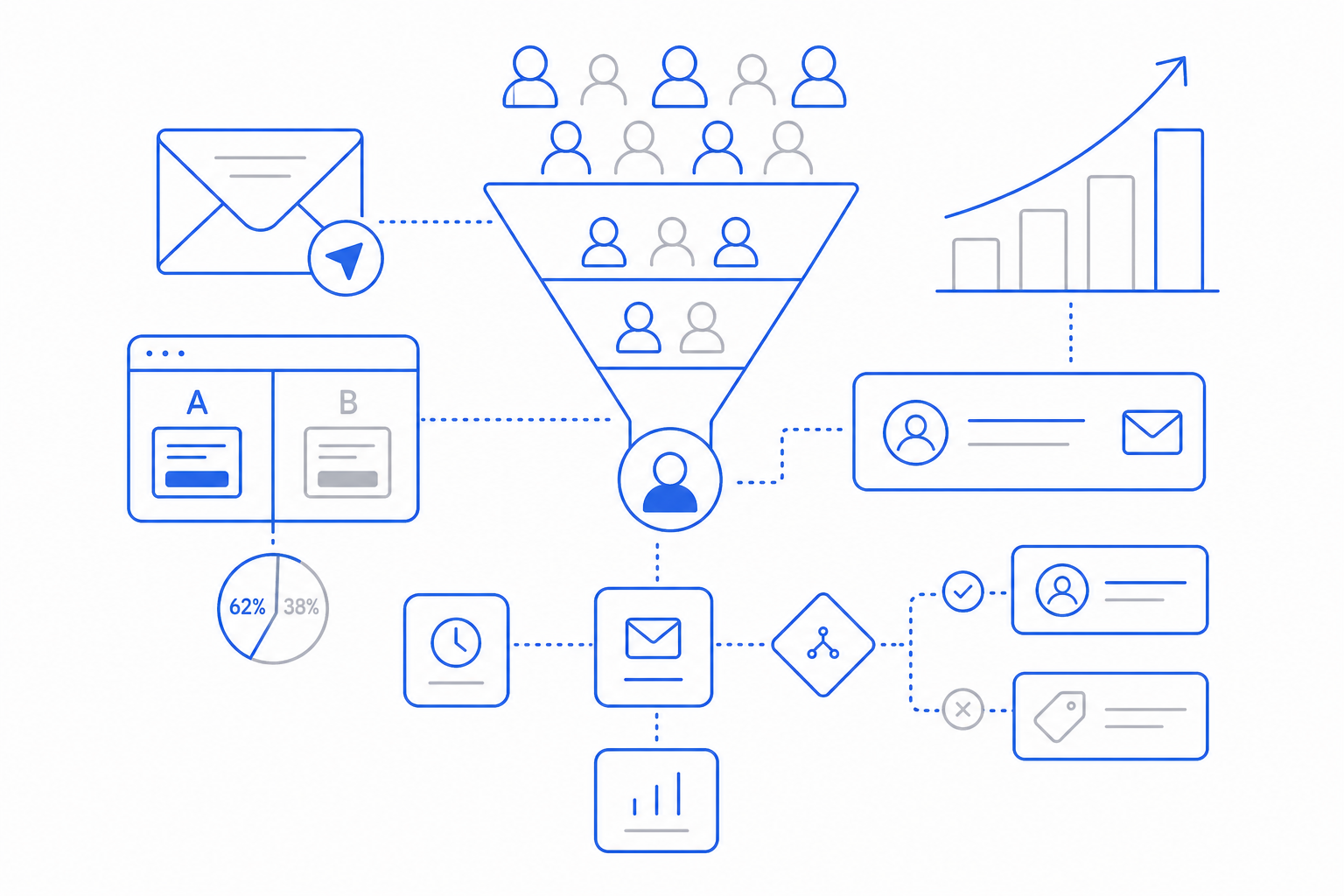
Most SMB marketing tools are a list and a sender. The harder problems — attribution, automation, segmentation tied to revenue — get pushed to a CRM or a BI tool that does not talk to the marketing app.
CloudIP Marketing shares a database with CRM and Accounting. Audiences are CRM segments. Source-to-revenue attribution is a query, not a project.
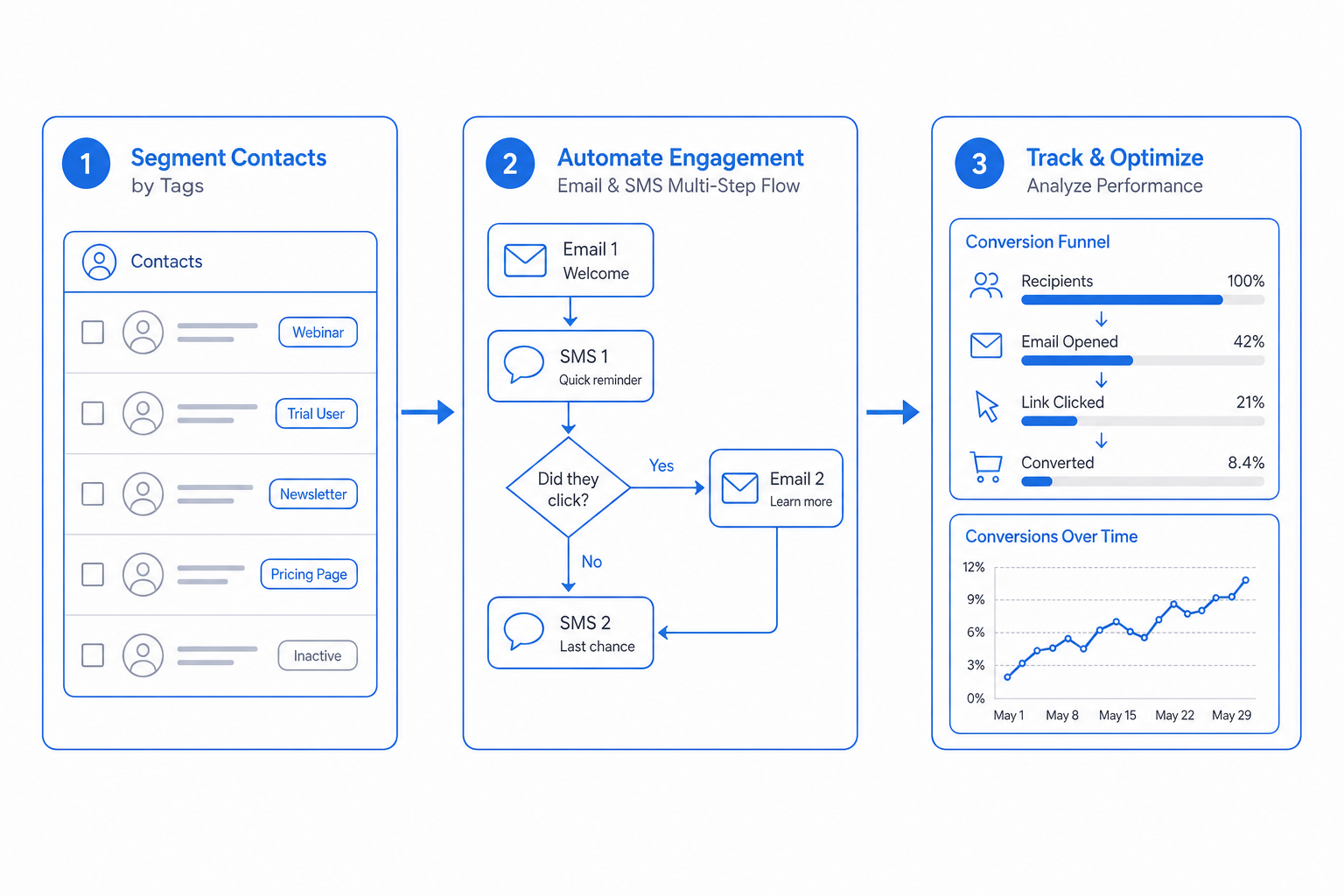
Marketing in three steps
From day one to day one-thousand, this is how the marketing module moves work through your business.
The marketing pillars
Specifics, not slogans — what each part of Marketing actually does for the business.
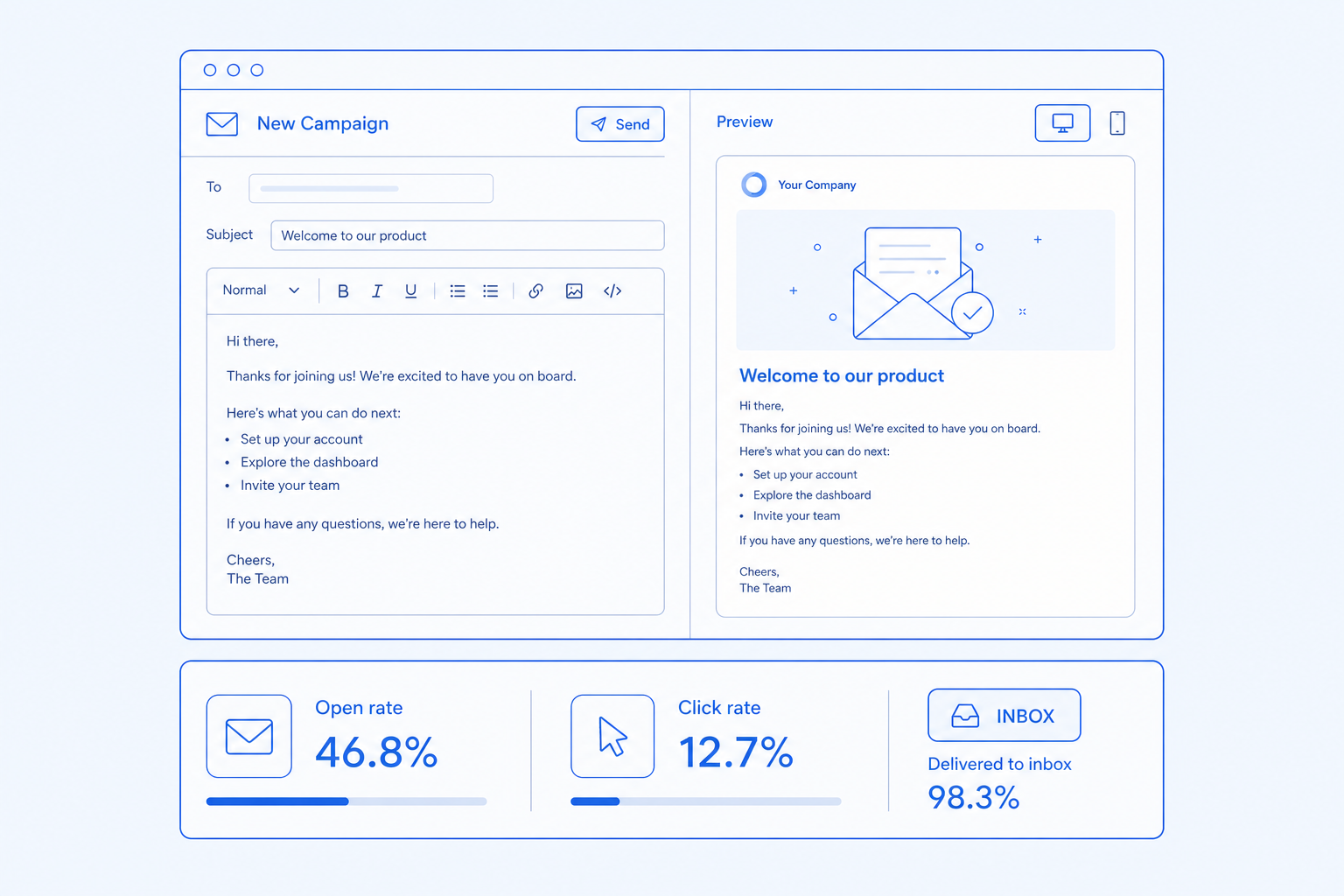
Email campaigns
Send mail that lands in the inbox.
- Drag-drop email builder with reusable blocks
- Deliverability monitoring per domain and IP
- A/B testing on subject and content
- Suppression list management
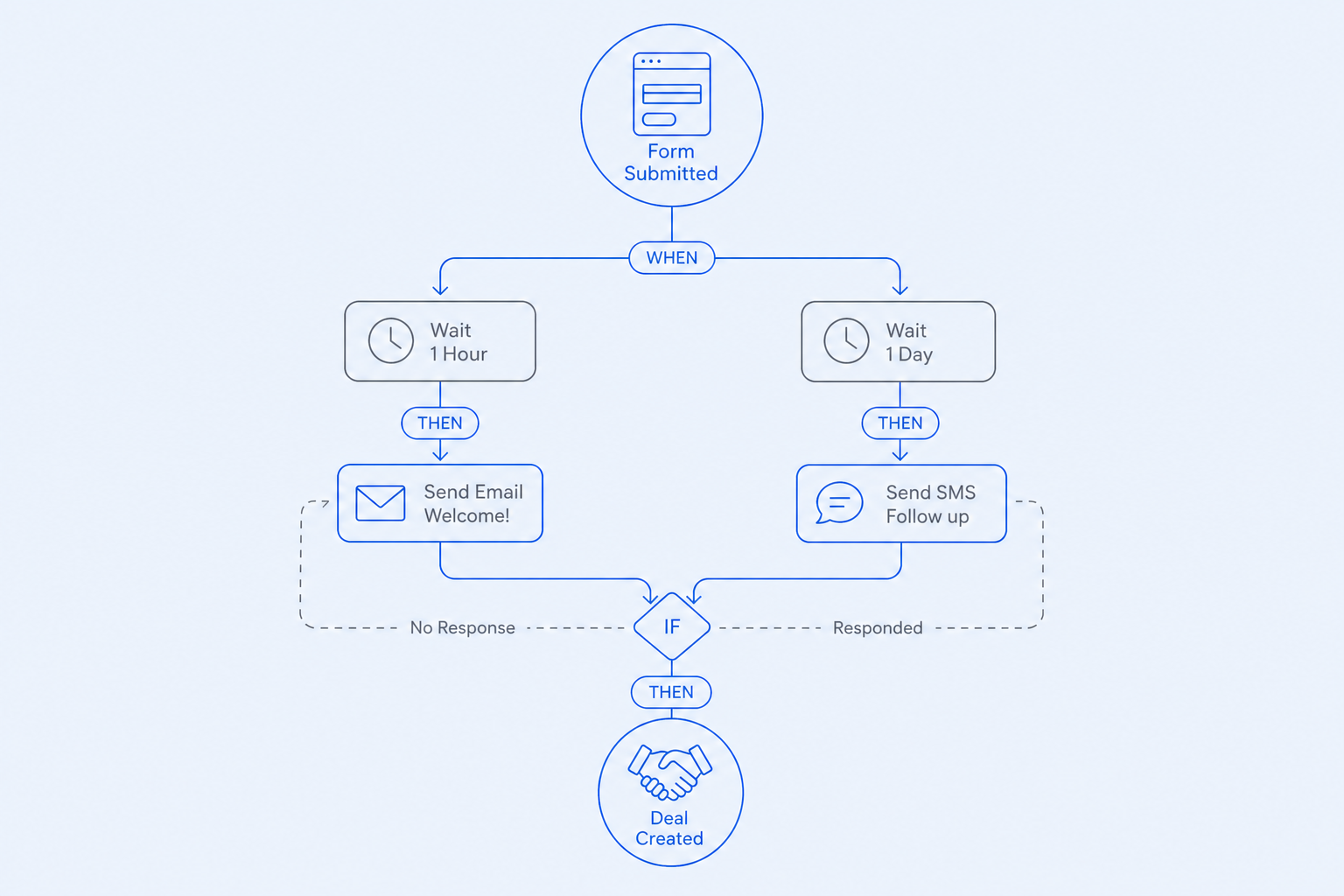
Automation
Trigger the right message at the right time.
- Trigger-based journeys with branching and goals
- CRM event triggers (deal stage, score change)
- Wait-until and date-based steps
- Per-journey conversion tracking
Landing pages and forms
Capture leads without a separate landing-page tool.
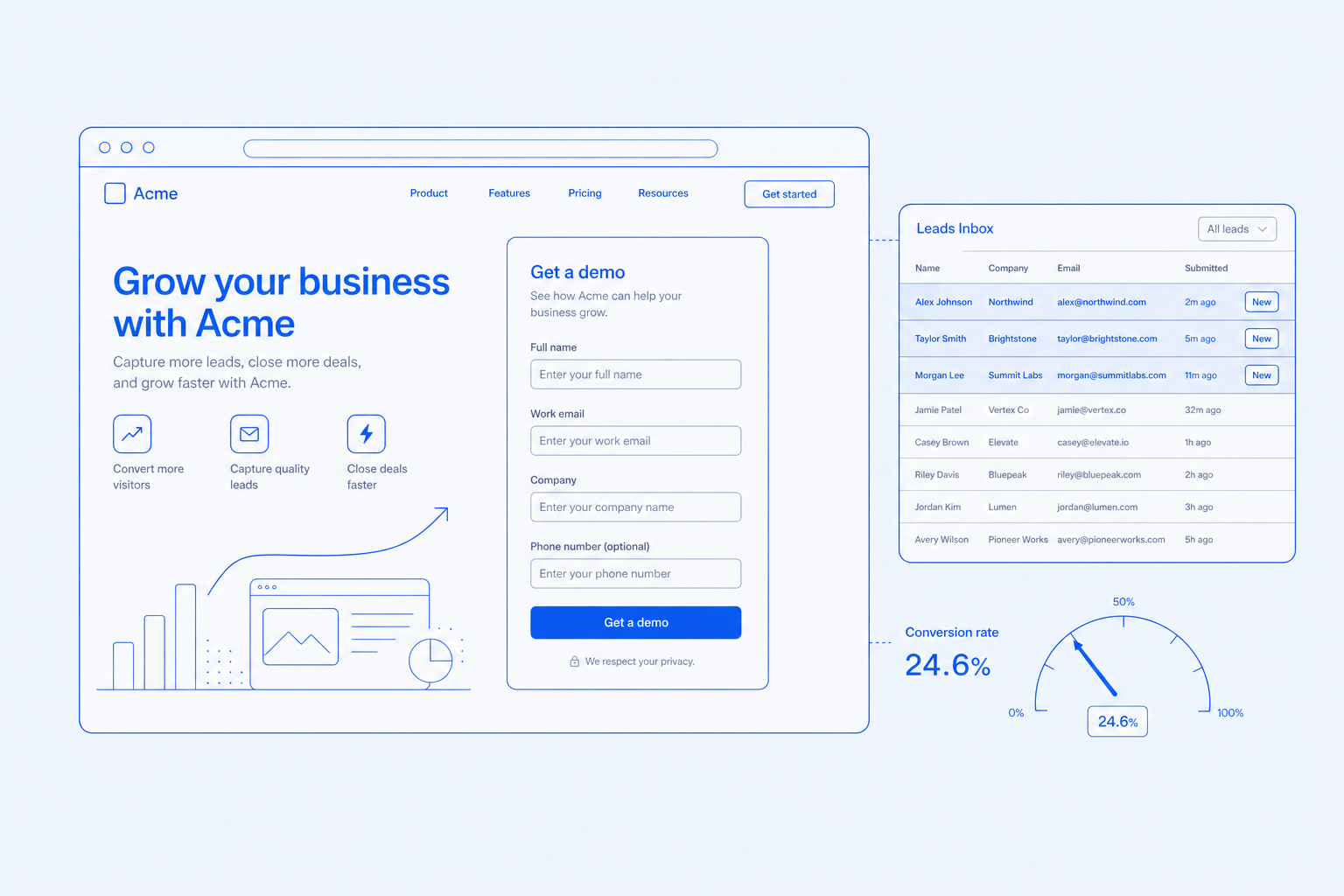
- Templated landing pages with A/B variants
- Forms shared with the website and CRM
- On-site pop-ups with exit intent
- UTM-aware tracking on every touch
Attribution and analytics
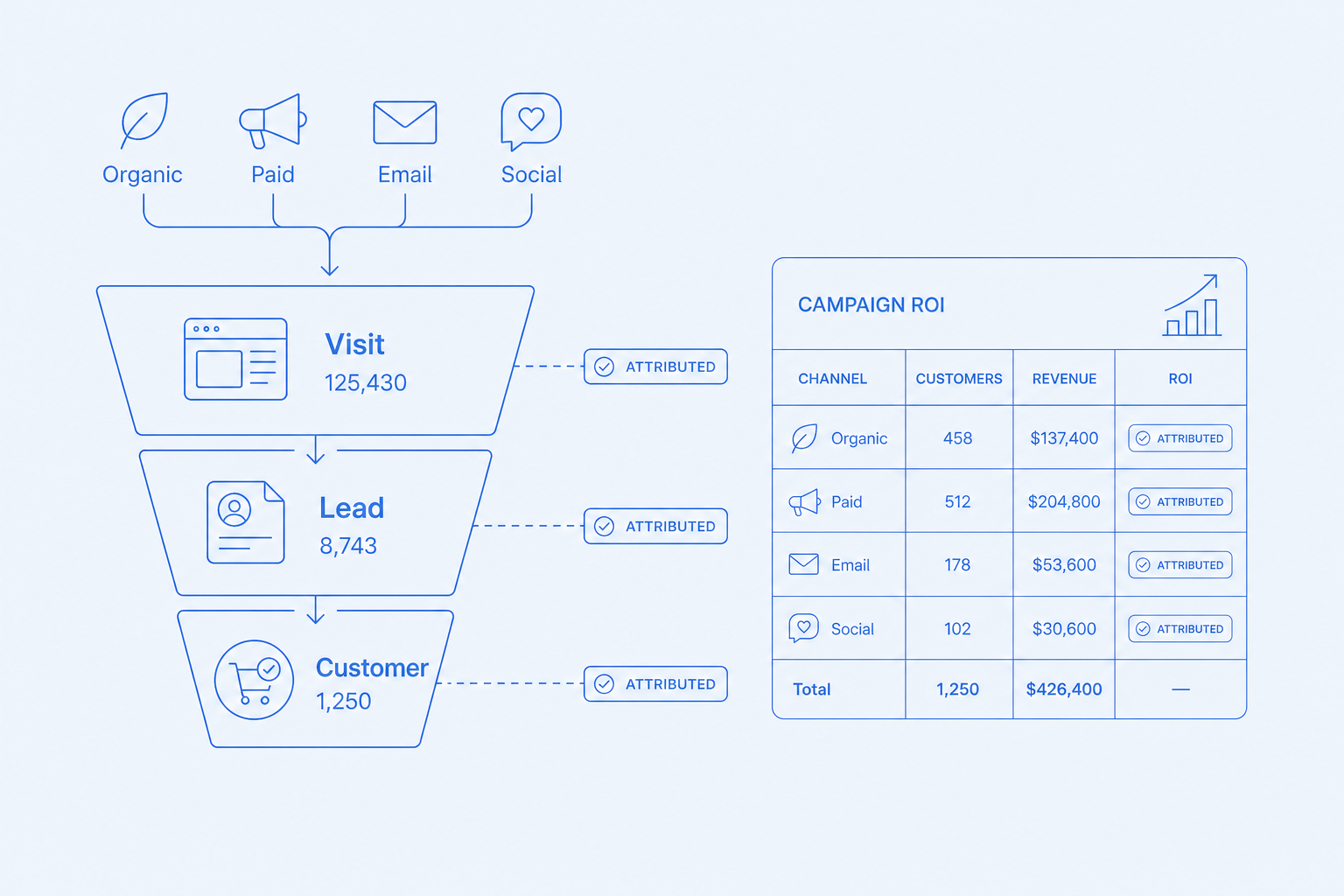
Know which campaign closed which deal.
- Source-to-revenue attribution across channels
- Audience export and conversion sync to Google and Meta
- Per-campaign cost-per-acquired-customer
- Funnel reporting from form fill to invoice paid
Every capability has its own dedicated page
Click any capability to read what it does, who it is for, and how it works.
Drag-drop email builder with deliverability monitoring.
Trigger-based journeys with branching and goals.
Conversion-focused pages tied to forms and campaigns.
On-site forms and pop-ups with A/B variants.
Behavioral and firmographic segments shared with CRM.
Audience export and conversion sync to Google and Meta Ads.
BetaSource-to-revenue attribution across channels and campaigns.
Who this is for
Three real situations CloudIP customers bring us, and how the platform answers them.
HubSpot Starter is fine but the upgrade for attribution costs $800/month.
Outcome: Attribution without a Hubspot Pro upgrade.
Mailchimp does not know about POS purchases.
Outcome: Audiences segment on lifetime value because the database includes the POS.
Google Ads says it spent the budget but cannot prove the deals closed.
Outcome: Conversion sync writes back closed-won revenue to Google.
Common questions
Specific answers about Marketing — not marketing fluff.
Yes. Sender domains are configured with SPF, DKIM, and DMARC during onboarding. Volume ramps automatically for new domains. Deliverability dashboards show inbox-rate and bounce-rate by domain.
Campaigns that finish what they start
Sending half a campaign is worse than sending none. Every send job is checkpointed and resumable.
Checkpointed sends
Each batch of recipients is committed before the next batch starts, so a worker restart resumes from the last commit.
Provider failover
When the primary email provider is degraded, sends are queued for replay rather than dropped.
Edge-rendered landing pages
Landing pages are rendered on the edge so a database hiccup does not take a campaign offline.
Attribution that survives outages
UTM and click events are captured at the edge, queued, and reconciled into the warehouse on recovery.
More of Marketing
Drag-drop email builder with deliverability monitoring.
Trigger-based journeys with branching and goals.
Conversion-focused pages tied to forms and campaigns.
On-site forms and pop-ups with A/B variants.
Behavioral and firmographic segments shared with CRM.
Audience export and conversion sync to Google and Meta Ads.
Try Marketing on the full platform
14-day trial with every module enabled and the full Hardware Store catalog. No credit card.