Google Calendar integration
Two-way sync with Appointments and Meetings.
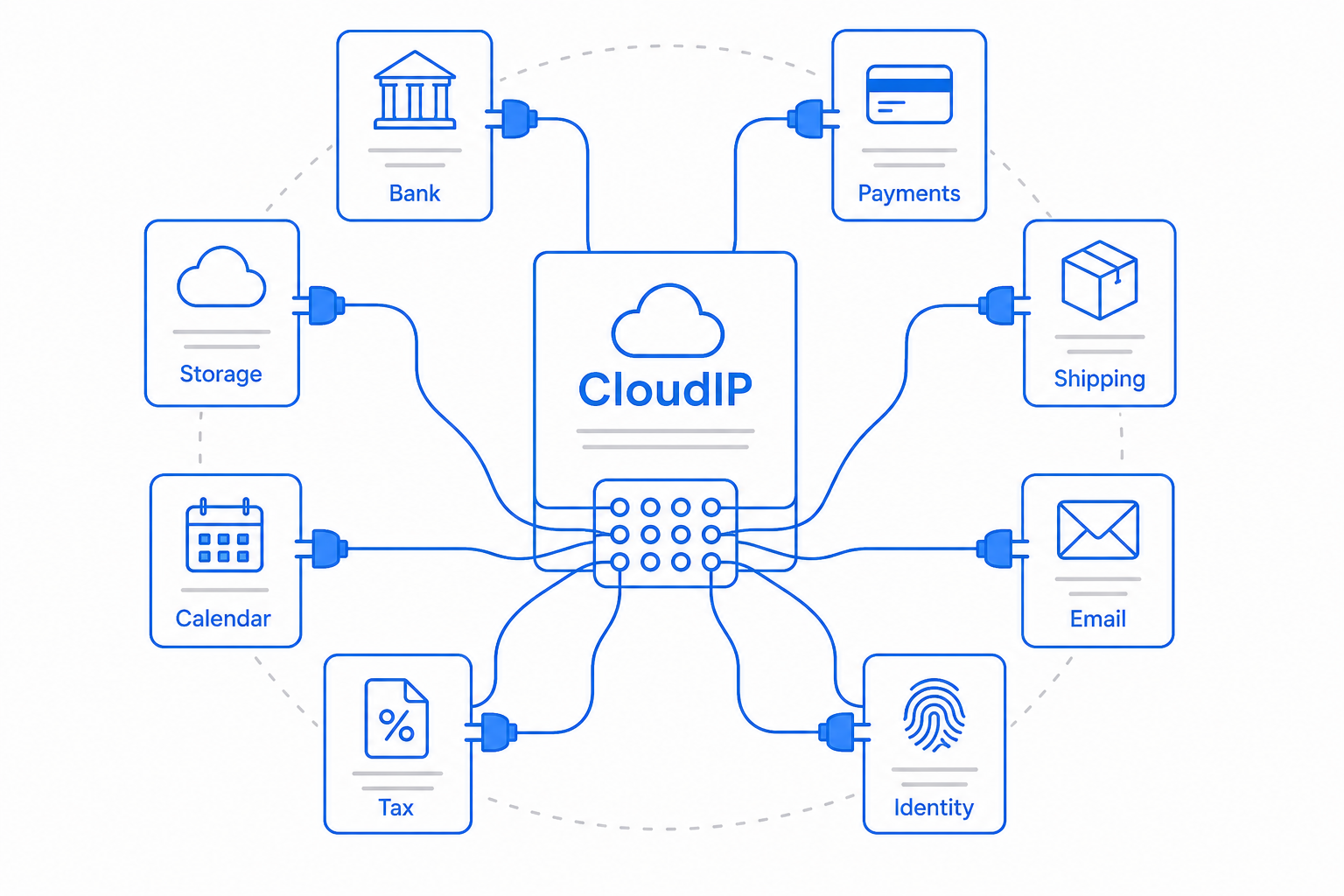
How Google Calendar fits in CloudIP
- Provides the connection between CloudIP and this third-party service.
- Operates within the relevant module(s) listed in the integrations directory.
- Honors the documented authentication and rate-limit constraints of the upstream provider.
Why this integration exists
This integration exists because the underlying service offers capabilities that complement the CloudIP platform.
Configuration notes
- Configuration lives in the relevant module's settings.
- Authentication uses standard OAuth or API-key patterns; no credentials are shared between tenants.
How the Google Calendar integration runs in production
The Google Calendar integration is part of the standard CloudIP subscription — it is not a partner-tier add-on or a separate billing line. Authentication, rate limiting, and error handling are managed inside the platform, and any change in the Google Calendar state of the world propagates to the relevant CloudIP module without operator intervention.
For most customers, the integration is invisible after the initial connection: records appear in the calendar module they belong to, and downstream workflows — reports, audit trail, exports — see the same data the rest of the platform sees. The integration honours the tenant.dataResidency choice you make at provisioning, so Google Calendar traffic respects the same boundary as your own records.
If you eventually outgrow the Google Calendar integration, the data it touches stays inside CloudIP — the integration is a connector, not a system of record. That means swapping Google Calendar for an alternative does not require a data migration; it requires reconnecting the source.
Common questions about the Google Calendar integration
Yes. The Google Calendar integration is part of the platform; there is no per-integration fee or premium tier required to use it. You bring your own Google Calendar account where applicable, and CloudIP handles the connection.
Start free for 14 days
See how CloudIP and its integrations work together on real data.